Saturday, October 2, 2021

Re: chrome extensions 20201030

How To Backup Google Chrome Extensions Manually

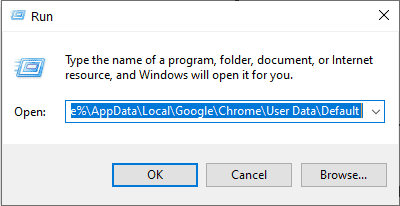
  1. Open the Run Command Window by pressing the Windows Win Key + R button together on your keyboard.
  2. Then copy and paste this %UserProfile%\AppData\Local\Google\Chrome\User Data\Default on the run command window and press enter.
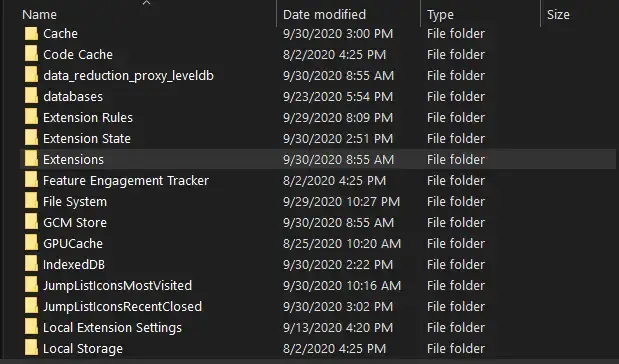
  3. Now the folder where the chrome settings and extensions are saved will open.
  4. Now find the folder named Extensions and copy and make a backup of it in an external hard drive or in another drive.


On Fri, Oct 30, 2020 at 9:16 PM David K <edavidk@gmail.com> wrote:

Saturday, March 6, 2021

Network Computers are not Showing Up in Windows 10

---------------

can't see other and workgroup computers in my network in windows 10, home, pro, enterprise

-----------------------

The fact is that a separate Function Discovery Provider Host service is responsible for discovering neighboring computers on a Windows 10 network. Another service, Function Discovery Resource Publication, is responsible for discovering of your computer.

The FdPHost service uses the Simple Services Discovery Protocol (SSDP) and Web Services Discovery (WS-Discovery) protocols to discover devices on the network.

These protocols replace the NetBIOS over TCP/IP, which has historically been used to discover devices on Microsoft Windows networks with Master Browser. Accordingly, you can safely disable the NetBIOS protocol for your network adapters.

After installing the latest Windows 10 builds, these services can be disabled (the startup type is changed from Automatic to Disabled). If these services are stopped, the computer is not discovered on the network by other computers and cannot see others. You can enable the network discovery services in Windows 10 as follows.
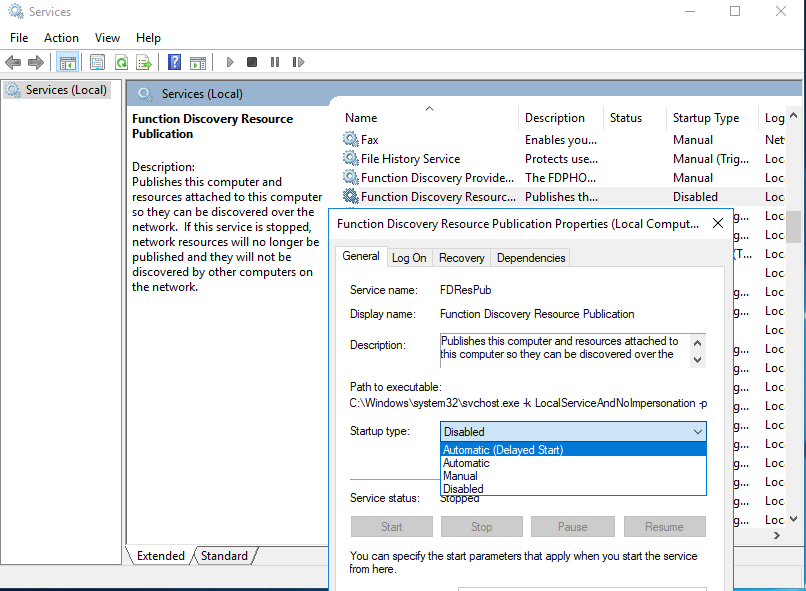
  1. Open the Windows Services Management Console (services.msc);
  2. In the list of services, find the Function Discovery Resource Publication service;
  3. Change the service startup type from Manual to Automatic (Delayed Start);Function Discovery Resource Publication
  4. In the same way, enable the Function Discovery Provider Host service;
    You can change the startup type of these services with a following PowerShell one-liner command: get-Service fdPHost,FDResPub|Set-Service  -startuptype automatic -passthru|Start-Service
  5. Restart your computer

After rebooting, other computers on the local network will be able to discover this computer and its resources (shared network printers and folders).

"stop" and restart both the "function"s ON THE COMPUTER THAT YOU CANT SEE! NOT THE COMPUTER THAT CANT SEE THEM!!!!


Monday, December 7, 2020

2020.12.07:: bike cycling power meter OWNED


HUBSANT+BluetoothBike
144Powertap 340 [#XX 144] /wayz52/oclvWayz52 / OCLV
47313powertap Hub [#47313] / wayz52Wayz52
14425powertap Hub [#14425] / wayz55?Wayz55
24438powertap Hub M'Kabin [#24438?]M Kabin
CRANKS
63633PowerTap , 130, 39/50? 170QR-ti
13741Quarq Riken 39/50?, 170OCLV
24363Stages.g1 shimano XT 780/781: 165SCOTT
30346Stages .g2 shimano XT 780/781: 172.5
24822Stages.g1 shimano DA 7710, 172.5 octiSPECZ.BLK
32372Stages.g2 shimano Ultegra 6800: 175QR-TI
TRAINERS
43660/3660 -TACX : ANT+ #43660/3660 S-C-P Tacx Neo 436605E
594-Wahoo Kickr Core:: #594Kabin
HEART
29293-TICKR 726D [#29293]
-TICKR-X 2F51
-iFit HRM 2167 /kabin/
google drive

Thursday, August 13, 2020

Table legs support designs, 2x4 legs, 2x6, 2x8


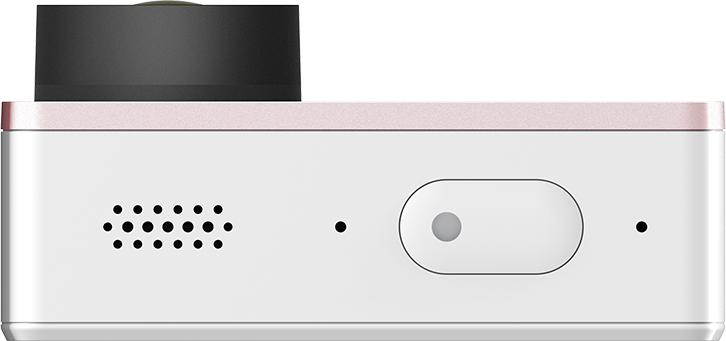
Re: YI cameras: action and LITE with battery info


See the world from a new angle

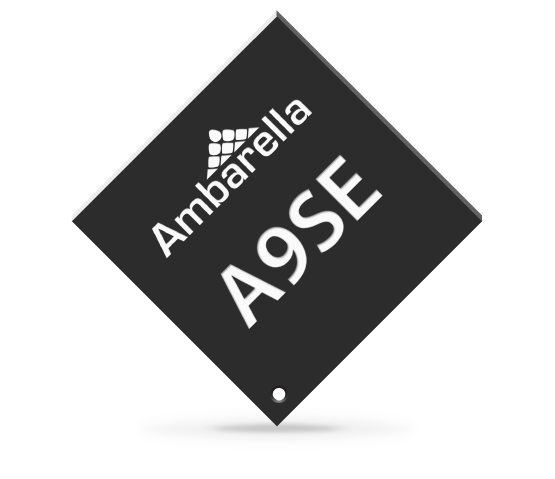
Ambarella A9SE75 SoC
Low-Power, high-performance
The core of YI 4K Action Camera is Ambarella A9SE75 SoC, 28nm CMOS technology, 800MHz dual core Cortest-A9 ARM processor and high-efficient Digital Signal Processor (DSP), supports H.264 BP/MP/HP first class encoding, low-power consumption even at 4K/30fps. The upgraded SoC supports Len Distortion Correction (LDC) to correct image distortion due to wide-angle lens; built-in Electronic Image Stabilization (EIS), 3D noise-cancellation and 48000KHz stereo audio.
H.264
Video encoding
28mn
CMOS
800MHz
Dual-core processor
3D
Noise Cancellation
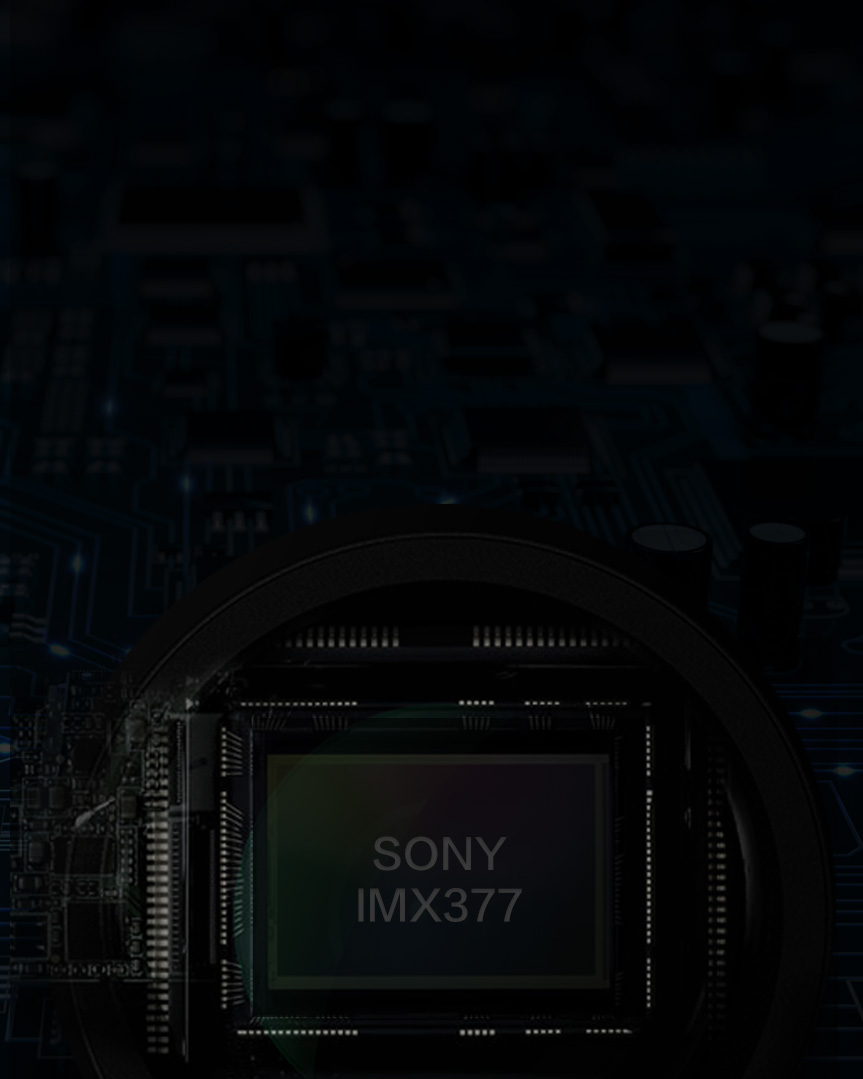
Sony's IMX377 image sensor
Lower power and low light
IMX377 is Sony's new image sensor. Compared with previous versions, it captures high resolution image but consumes less power and also deliver better image quality at low light. IMX377 sensor supports 3840*2160 ultra-clear 4K video resolution and 12M pixel photo. It has 1.55um high sensitivity large sensor pixel size which helps produce bright images with clear details and less noise even in poor lighting conditions. YI 4K captures every moment of the action in ultra-clear 4K video resolution or 240fps frame rate.
EIS
Without EIS
Electronic Image Stabilization (EIS) technology with 3-axis gyroscope and 3-axis accelerometer
Action videos usually require post-production to reduce shakiness. With YI 4K Action Camera, you can avoid extra time spent editing due to the camera's Electronic Image Stabilization (EIS) feature. EIS uses build-in gyroscope and accelerometer sensor to detect position and motion change. When the camera tilts, moves, shakes or experiences impact, the sensors will send data to EIS and EIS will use image a cross-border compensation algorithm to compensate the change to produce stable videos.
Cutting edge Microsoft Hyperlapse Pro technology to create smooth and stablized time lapse videos from YI 4K video
Microsoft Hyperlapse Pro technology now perfectly supports YI 4K Action Camera. It uses 4K video frame to recreate 3D space and resample the video frames from the 3D space to create smoother and time lapse video which is perfect for sharing.
Day or night, YI 4K is there.
Image sensor automatically senses light conditions while advanced. ISP processor adjusts the frame rate and parameters to produce high-quality images in low light.
Lens Distortion Correction (LDC)
With wide-angle lens comes along lens distortion. Fortunately, the powerful A9SE75 SoC can correct the distortion in real-time. You can save your distortion free image/video directly from your camera. Skip unnecessary editing, simple as that.
Manual IQ parameters settings for advanced photographers
YI 4K Action Camera allows you to manually set IQ parameters such as Shutter, Exposure Value Compensation (EV), Level Sensitivity (ISO), Metering Mode, White Balance (WB) and more. Choose between 9 shooting modes. Achieve your potential and create professional work.
30s
Exposure
time
EV
Exposure Value Compensation
WB
White
Balance
3
Video
Modes
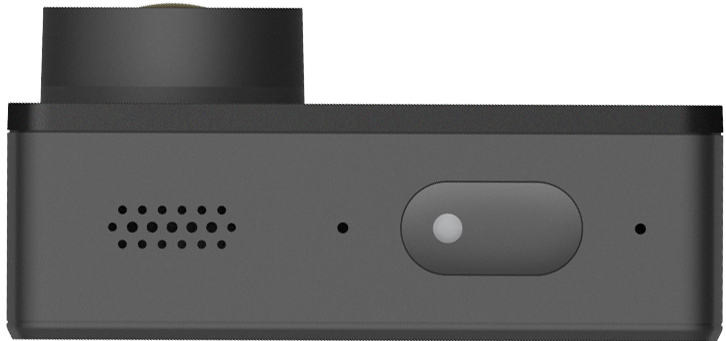
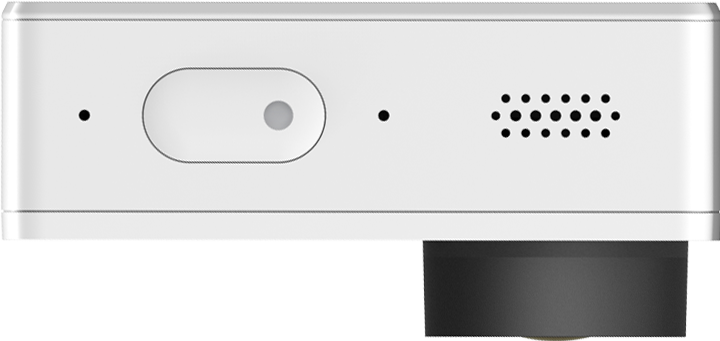
360° omni-directional dual microphones
produce studio sound quality
Records stereo sound in 48kHz with dual microphones. High-sensitivity and high signal to noise (SNR) microphones capture crystal clear sound even in noisy environments. Built-in highly optimized AAC encoder to record every detail of the sound.
One button + one touchscreen
It is almost too easy
Powerful state-of-art technologies inside, simple and intuitive design on the outside. Everything can be done with just one button and one touch screen. Select shooting modes, settings, album and a shortcut menu like smartphone on the LCD touchscreen.
1 second quick start
Record instantly with one touch
Wake up the camera from sleep mode in just 1 second so you won't miss a moment. Even when powered-off, the camera can be ready to record in just 3 seconds.
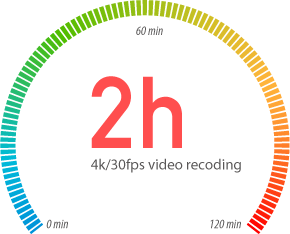
120 minutes 4K/30fps video recording with one battery charge
With the newest A9SE75 SoC, customized high capacity battery and a fine tuned power management algorithm, YI 4K can record 4K/30fps video for up to 120 minutes with a single charge. This breakthrough gives users ultra flexibility in shooting 4K 30fps video.
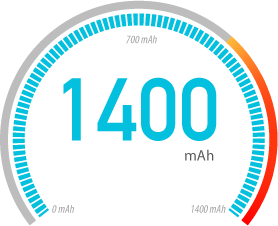
1400mAh battery
Featuring the world's leading rechargeable 1400mAh high-voltage 4.4V lithium-ion battery from Amperext Technology (supplier of iPhone battery). The customized power management chip from Texas Instruments is designed to create minimum heat at working condition. The innovative heat management design helps release heat quickly to reduce overheating while recording at 4K/30fps.

 
Copyright ©2016 YI Technology. All Rights Reserved.  Terms of Use | Privacy Policy

Monday, May 11, 2020

Logi camera circle 2 I didn't fit it

Logitech / Logi circle 2 Camera , disassembly

took me a while to figure out how to disable a bad non working unit
maybe these pics can help someone else
~the front "logi" plate is glued down hiding 4 screws